


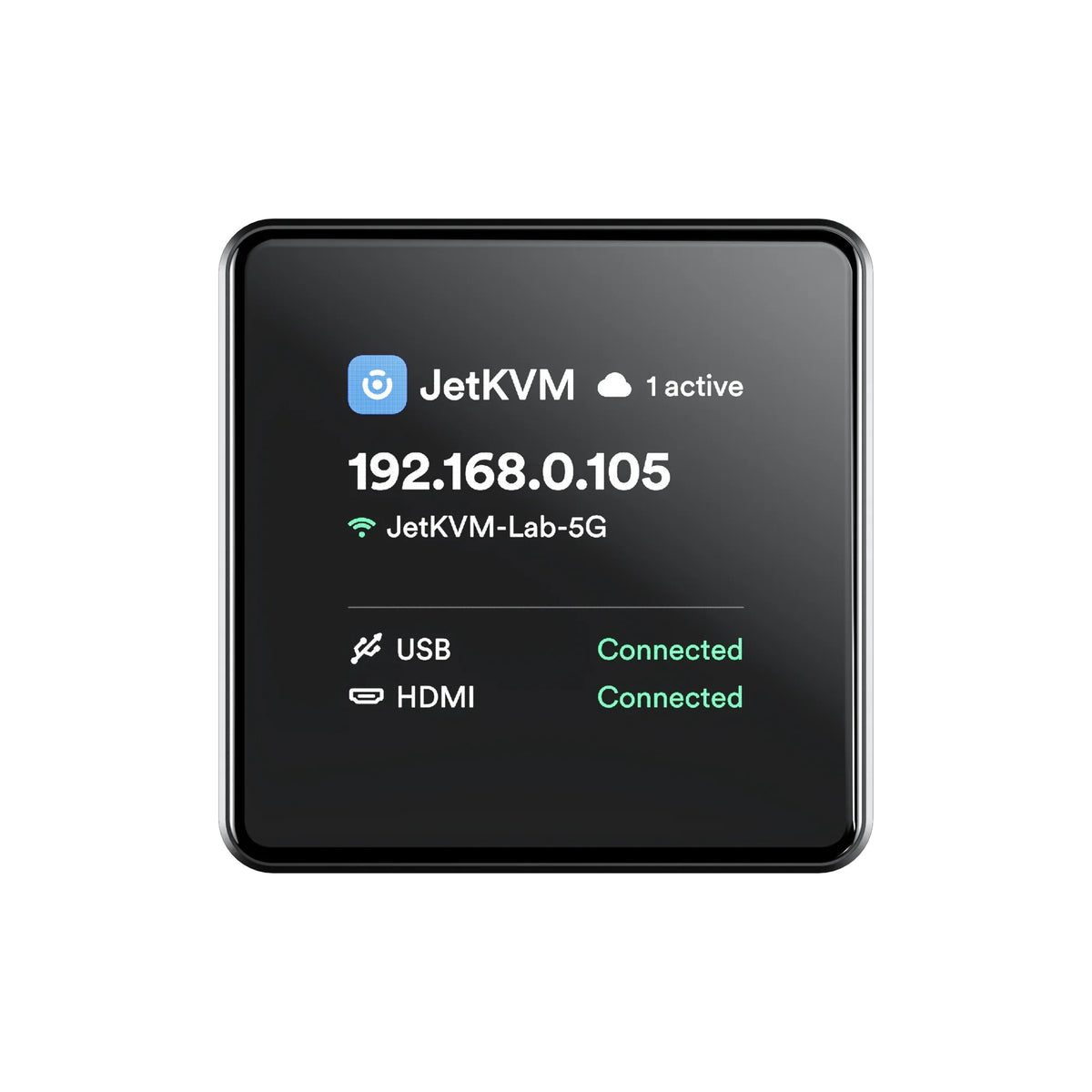
Introducing the JetKVM Mini, a complete KVM-over-IP device in an aluminium case about the size of a matchbox. Plug it into any computer's HDMI output and a USB port, connect it to your network, and you get the machine's screen, keyboard and mouse in your web browser, including the BIOS, boot menu and OS installer, as if you were sitting in front of it. It runs the same web dashboard, JetKVM Cloud remote access and update system as the full-size JetKVM.
Note: Two models are available. The Ethernet model connects over a wired 100 Mbps RJ45 port. The Wireless model (Mini W) has no Ethernet port and connects over dual-band Wi-Fi 6, with Bluetooth used for first-time setup. Video capture is up to 1080p at 30 fps (or 720p at 60 fps) on both. HDMI and USB cables and the TF card are not included.
Its small size and low power draw (5 V, 500 mA from the host's USB port) make it easy to leave permanently attached to a home server, NAS, mini PC or workstation, so you can recover a machine that won't boot without walking over to it. Choose the Wireless model for a PC in another room, a media box under the TV, or a rack with no free switch port.
Features
- Remote screen, keyboard and mouse control from a web browser, down to BIOS level
- HDMI capture at 1080p30 or 720p60 with hardware H.264 encoding, streamed over WebRTC for low latency
- USB keyboard and mouse emulation, so no software is needed on the target machine
- Virtual media via the TF card slot for mounting ISO images and installing operating systems remotely
- 240 × 240 IPS status display showing IP address and connection status
- Wired 100 Mbps Ethernet (Ethernet model) or dual-band Wi-Fi 6 (Wireless model)
- Open-source firmware with JetKVM Cloud for secure access from outside your network
- Matchbox-sized aluminium case, powered from the host's USB port
Specifications
Package Includes
- JetKVM Mini (Ethernet) or JetKVM Mini W (Wireless) x1, as selected